Voice
Voice Assistant
Talk to Halo and it talks back, with any model you use. Listening and the spoken voice both run on your iPhone; only the text of your request goes to your AI provider.
Voice mode in chat
Tap the mic in any chat. A golden orb shows Listening, Thinking or Speaking, and your words appear live as you talk. Halo sends your turn about a second after you stop, and starts speaking as soon as the first sentence of the reply arrives.
- Interrupt any time. Start talking and Halo stops and listens.
- Cards still show. Weather, stocks and other cards appear while Halo reads the answer.
- Voice mode ends after a minute without speech, or when you leave the app.
- Any message can be read aloud from its menu, with the word being read highlighted.
From anywhere
| Action | What it does |
|---|---|
| Ask Halo by Voice | Listens, answers out loud and shows a card, without opening the app. Best on the Action Button. |
| Ask Halo | Type a request and get the answer as a card. |
| Siri | “Ask Halo by voice”, “Talk to Halo”, “Ask Halo”, “Tell Halo what to do”. |
Follow-ups within 10 minutes continue the same conversation. Setup steps: Ask Halo by voice from the Action Button.
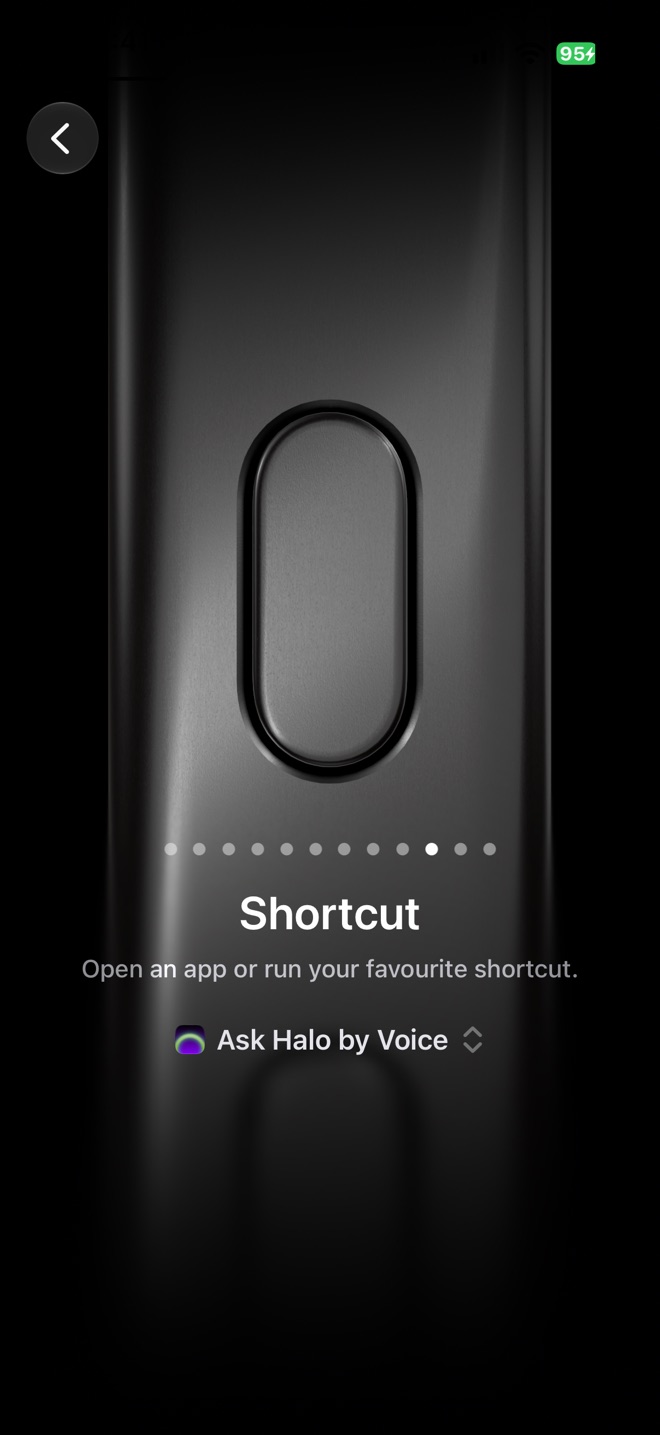
Action Button
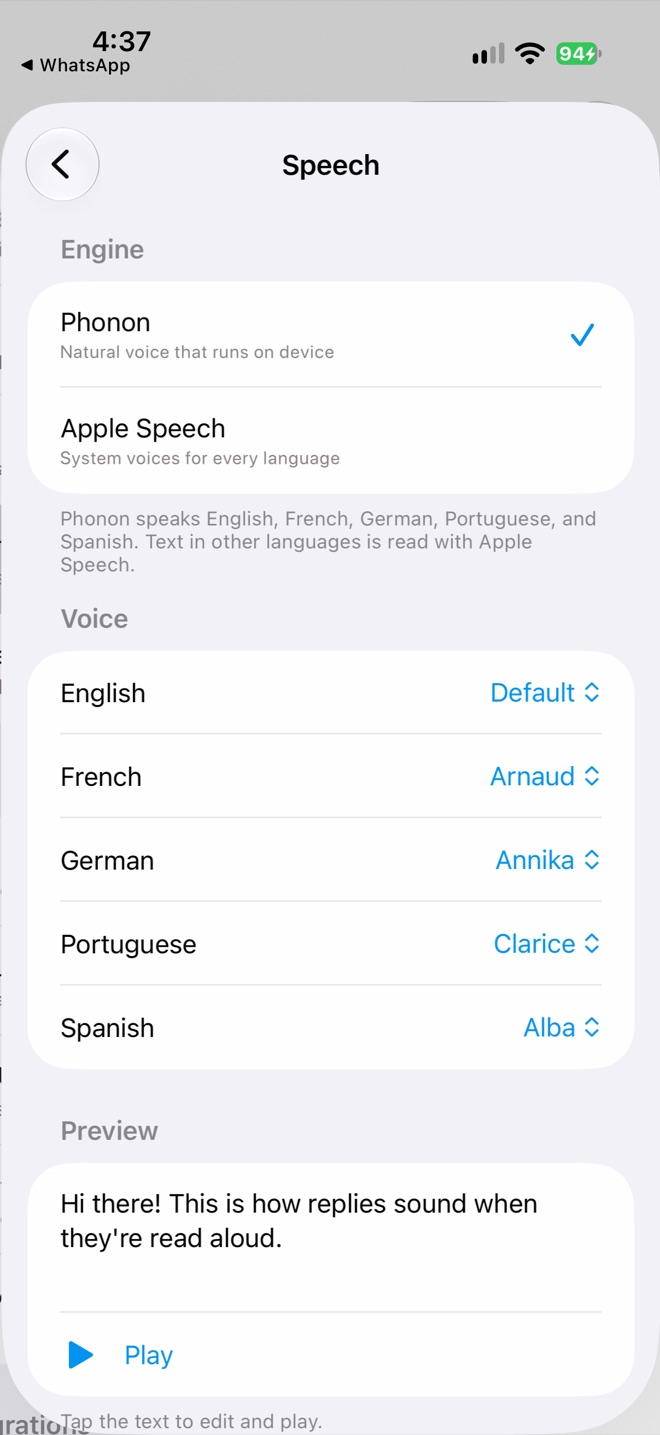
Settings › Speech
Speech settings
In Settings›Speech, choose the engine and voices:
- Phonon, a natural on-device voice, speaks English, French, German, Spanish and Portuguese. Pick a voice per language. Other languages use Apple Speech.
- Apple Speech uses the system voices for every language.
- Preview: tap the text to edit it, then Play. The voice model takes a few seconds to load the first time.
Privacy
Speech recognition uses Apple’s on-device recognizer and the voice is generated on your iPhone. Your audio never leaves the phone.